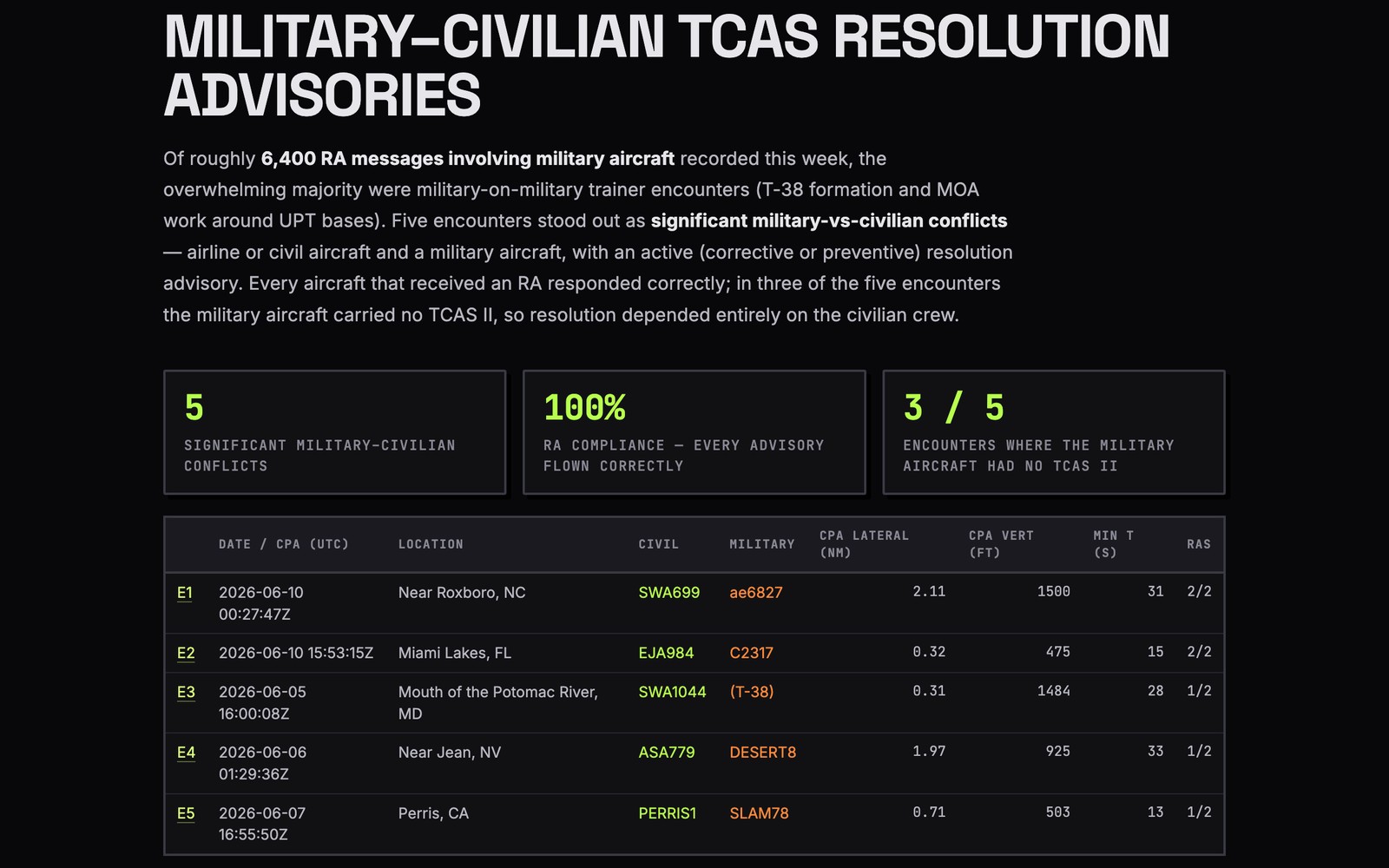
There's a plane that keeps showing up over the north end of Corvane Valley. What is it?
Plenty of transient traffic up there, but only one aircraft keeps coming back. Pulling its track and its paper trail now.
It's a King Air 350, and the registration is fresh: N228OV LLC, a single-aircraft company named after its own tail number, registered in February. The owner is four months old; the interesting part is who had it before:
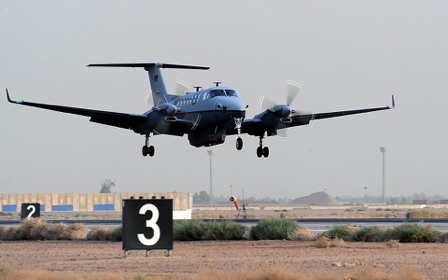
Until this spring it flew for Castellan Aviation LLC — a 12-aircraft operator registered at the same Caldwick, Virginia address as Vireo Applied Sciences, the defense-intelligence contractor that acquired the airframe in 2019. The bill of sale to the Montana LLC was recorded on New Year's Eve, and the tracks agree: sorties out of Caldwick right up to the sale, then nothing but this valley since February. I can map those flights, pull the recorded documents, or draft a cited brief — which way?